
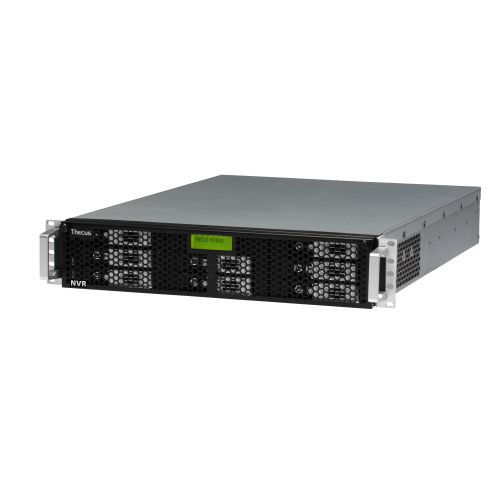
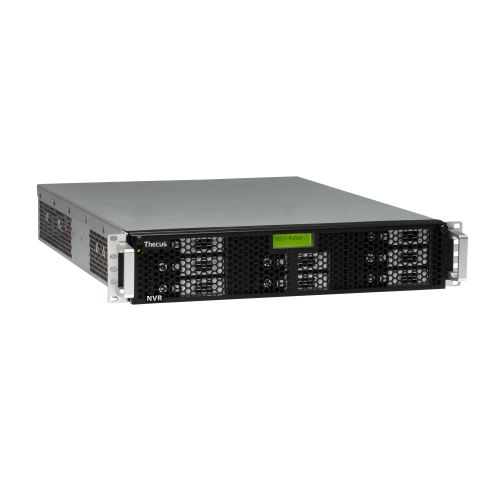
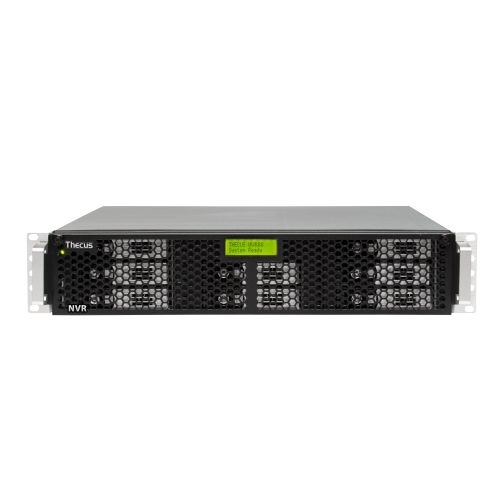
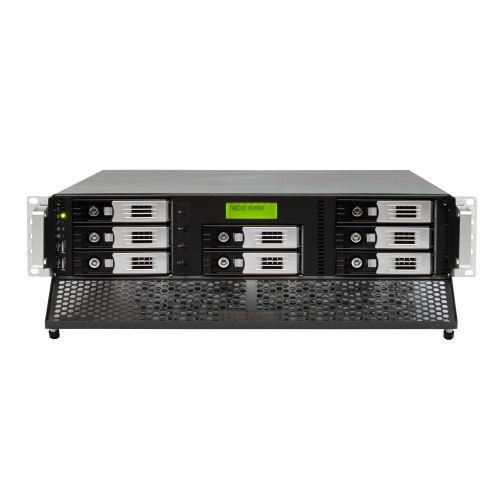
Thecus NVR88N VisoGuard
Dit product is helaas niet meer leverbaar. We helpen je graag bij het vinden van een alternatief. Neem hiervoor contact met ons op.
Of gebruik de vergelijktool hieronder.
Productinformatie
De modellen van de NVR serie van Thecus zijn alles-in-een oplossingen: opslagbeheer, netwerk server, video opslag en bijbehorende software in één doos. Het systeem is klaar voor gebruik binnen een half uur, u hoeft alleen een volume aan te maken en de NVR plug-ins te installeren. Dankzij de functie Camera Setup Cloning kunt u tijd besparen door meerdere camera's met dezelfde instellingen met een enkele klik toevoegen.
[[more]]
Highlights:
- All-in-One System Integration
- Multi Screen Operation
- Enhanced Camera Views and Remote PTZ
- Motion Detection
- Data Protection Algorithm
- Multiple Format Support
- Event Management System
- HTTPS Support
- Enhanced Built-In iCAT Video Analysis
- Adaptive Balanced Streaming
All-in-One System Integration
Get your storage center, video capture card, network server, and software all in the same place. Thecus NVR are ready to go right out of the box: just create RAID, install the NVR plug-in, and you’re already up and running in less than 30 minutes. Camera Setup Cloning lets you save more time by using the same settings for different cameras with the click of a button.
Multi Screen Operation
See everything at once with drag and drop functionality across multiple screens. Each screen is capable of displaying multiple camera views, full screen, or both.
Enhanced Camera Views and Remote PTZ
Remote PTZ (pan/tilt/zoom) control allows you to adjust the viewing angle and zoom of a camera from monitoring stations anywhere in the world. Also, take better control of your cameras with adjustable aspect ratios, HDTV support, stretching and cropping of video, and advanced port control.
Motion Detection
Motion detection functionality gives you the ability to select a time frame during which motion detection will be activated. You can also limit motion detection to a portion of the viewing field in order to monitor very specific items or areas and recording their surroundings when these areas are activated. Events are denoted with a “red triangle” for easy recognition in the calendar archive view.
Data Protection Algorithm
Recorded data is protected by a proprietary algorithm to prevent tampering or editing. This makes all recorded video, both from within the archive or exported, permissible in a court of law. Playback of original recordings is only allowed through the NVR video archive.
Multiple Format Support
To keep a separate record of events of your choice, a variety of formats are supported for exporting video including MJPEG, MPEG-4, H.264 and MxPEG.
Event Management System
Event alarms and detailed records work with motion detection and video analytics to keep you on top of everything that is happening. These alarms and records are easily configured, accessed, and searched through with the Event Management System. Video streams can be marked with advanced time stamps for powerful searching and analysis, and events can be prioritized to make your surveillance system react only to specific actions, creating fewer false positives.
HTTPS Support
You can choose to encrypt communication between your cameras and your NVR to keep away from prying eyes (Requires Netavis Observer Extended or above).
Enhanced Built-In iCAT Video Analysis
Netavis’ advanced video analysis software is capable of people and object counting, Smart Tripwire analysis, illegal starting and stopping object analysis. Get improved performance with dual streaming video analytics and configure automatic export of iCAT statistical data from your NVR (Requires Netavis Observer Extended or above).
Adaptive Balanced Streaming
This unique ABS technology is capable of supporting megapixel cameras serving in limited bandwidth environments. This technology keeps your image quality high even if your bandwidth is low(Requires Netavis Observer Extended or above).
Specificaties
- Capaciteit: Zelf toevoegen
- Uitvoering : Tower
- Redundante voeding: Ja
- Encryptie: Hardwarematig
- SKU: NVR88N